FFibre internet
500 Mbps to 1.5 Gbps on fibre
- Upload close to download speed
- Wi-Fi modem often included
- Not offered at every address
$60–$110/mo
typical price range
 Phone plansMatch a plan to how much data you really use.
 Home securityProtect your home with an alarm that fits you.
 InsuranceHome, tenant, auto, life and travel quotes.
 Payment terminalsFees and published prices side by side, for your business.
 Web hostingHosting, domains and email for your business.
 Moving on July 1? Plan it by date and set up everything at the new address.
Free · 2 minutes*
Start comparingLearn what to compare, see what plans usually cost in Québec, then answer four questions to get quotes from partner providers for your address.

Guide prices
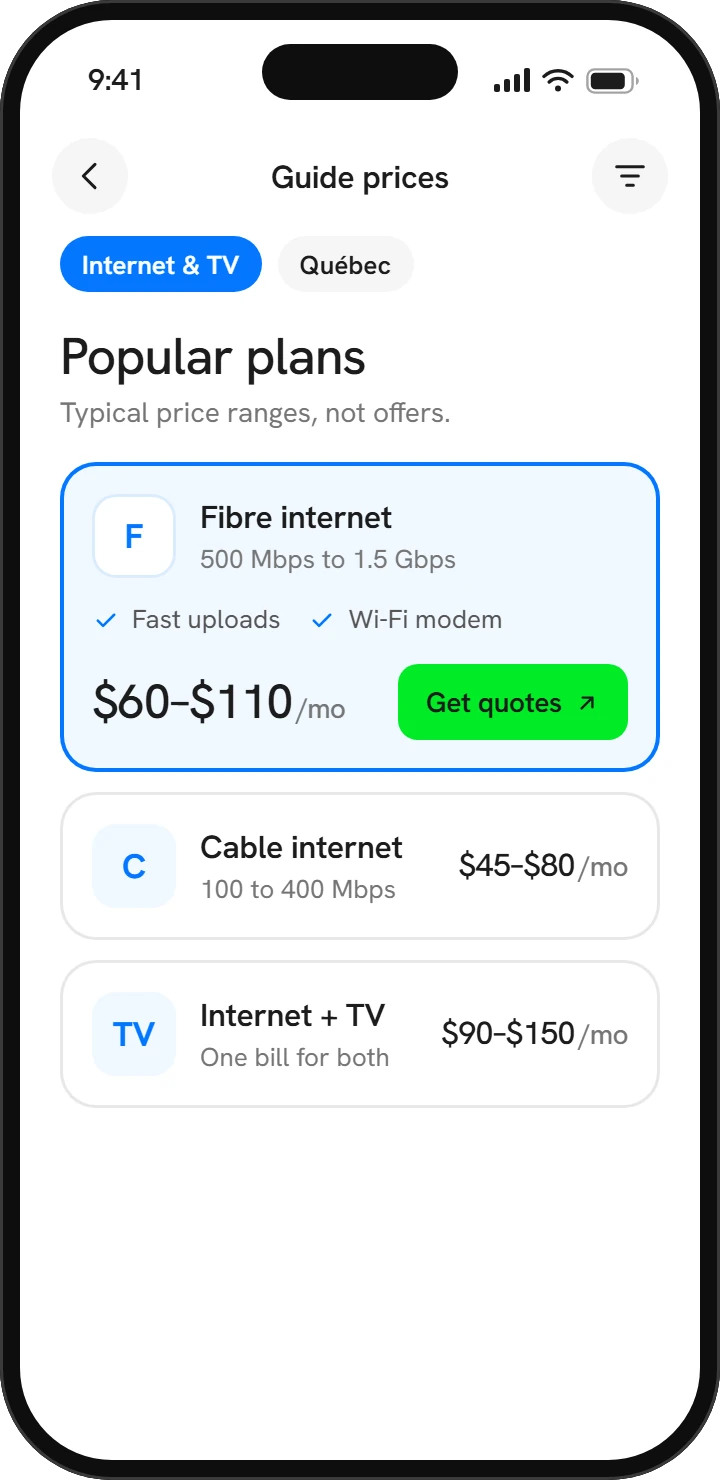
Three plan types people often choose, with the typical price range in Québec. These are not offers: real prices depend on your exact address and come from the provider.
$60–$110/mo
typical price range
$45–$80/mo
typical price range
$90–$150/mo
typical price range
Guide prices are typical ranges for Québec, for information only. They are not offers. Answer the quiz to get real quotes from our partners. They pay us; you never pay.
Find my internet & TVWhat to compare
The headline price is only the start. These six points decide what a plan really costs and how well it works in your home.
Side by side
The technology that reaches your home sets what's possible. Here's how the main connection types compare.
| Type | Best for | Strengths | Watch for |
|---|---|---|---|
| Fibre | Busy homes, remote work and heavy uploaders | Fast, with upload speeds usually equal or close to download | Not available everywhere yet; installation can take longer |
| Cable | Streaming households in cities and suburbs | Widely available, with fast download speeds | Upload is typically much lower; can slow at busy times |
| DSL | Lighter use where fibre and cable don't reach | Available in many areas over copper phone lines | Speed drops the farther you are from the provider's equipment |
| Fixed wireless | Rural homes without a wired option | A practical option in many rural areas | Needs a clear line of sight; trees and weather can affect it |
| Satellite | Remote areas with few alternatives | Reaches remote homes; newer low-orbit systems are much faster | Compare equipment cost and any usage limits |
Not sure what speed you need? Try the internet speed calculator or read how to choose an internet plan.
Ways to pay less
A few small moves can take a real bite out of your monthly bill, without giving up the speed you need.
Free calculators
From the blog
Internet & TV · 6 min read
How to choose an internet plan without overpaying
Match your speed to how your household really uses the connection, see past the promo price, and switch providers without a single day offline.
Read the articleNovember 3, 2026
Phone plans · 6 min read
How much mobile data you really need, and how to check
It's easy to pay for data you never use, or to run out at the worst moment. Here's how to check your real usage, pick the right amount and avoid surprises on your bill.
Read the articleSeptember 30, 2026
Home security · 6 min read
Monitored or DIY alarm: how to pick the right system
Professional monitoring or alerts on your phone? Compare the costs, commitments and trade-offs, plus what to know about sensors, contracts, renting and camera privacy.
Read the articleNovember 3, 2026It depends mostly on how many people and devices are online at the same time. Streaming services typically suggest around 5 Mbps for each HD stream and roughly 15 to 25 Mbps for each 4K stream, so add up your busiest moment and leave some headroom. If you work from home or send large files, pay attention to upload speed too.
Availability depends on the network that reaches your exact building. Two neighbours on the same street may have different technologies or providers. Always check with your full address before you compare prices.
Sometimes. A bundle can lower the combined price and simplify billing, but it only saves money if you use every part of it. Price each service separately, compare the totals after promotions end, and ask how the price changes if you drop TV later.
Order the new service first and book installation a few days before the old one ends. Test the new connection, then cancel the old service and return any rented equipment, keeping the receipt or tracking number. Check your final bill for charges you didn't expect.
As early as you can. Many Québec leases end around July 1, and installation appointments can fill up quickly around busy moving periods. Booking your transfer or new installation several weeks ahead is a safe habit.